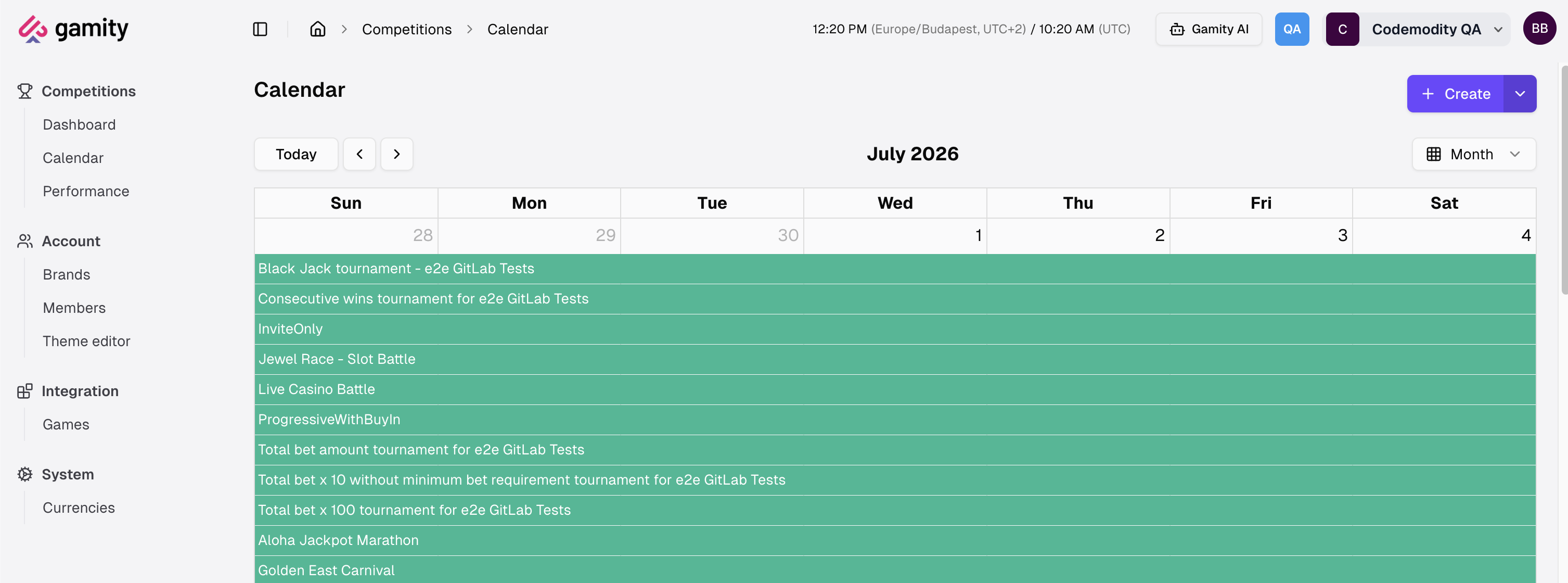
Calendar
The calendar view automatically populates with all competitions planned for the selected period, with each entry color-coded to reflect its status.
You can open a competition’s details page by clicking its entry in the calendar.
Creating a competition
There are two ways to start a new competition from the calendar:
- Select a date range: click and drag across the days you want the competition to run. This opens the Create Competition dialog, pre-filled with the From and To dates. Pick the Type (Tournament, Quest, or Raffle) and confirm with Create.
- Create button: the Create button opens the same type menu (Tournament, Quest, Raffle) without pre-filled dates.